You pick up your phone dozens of times a day, often at the exact moment a hard thought shows up. A kind line on your Lock Screen meets you there. Make one below in under a minute: it's free, nothing is uploaded, and there's no watermark on what you make.
Pick a line (or write your own), choose a background and tap Download wallpaper. The image is sized for iPhone, with the words placed in the middle so the clock and notifications don't cover them. Then set it in Settings → Wallpaper. On iPhone, tap Save Image in the share sheet to put it straight into Photos.
Make your wallpaper
The clock shows where iOS puts it.
Made in your browser. Your words aren't uploaded.
Open Settings → Wallpaper → Add New Wallpaper → Photos, choose your new image, and tap Add. Want a new line each day without making more images? Gentle's free Lock Screen widget changes it for you.
Ready-made affirmation wallpapers
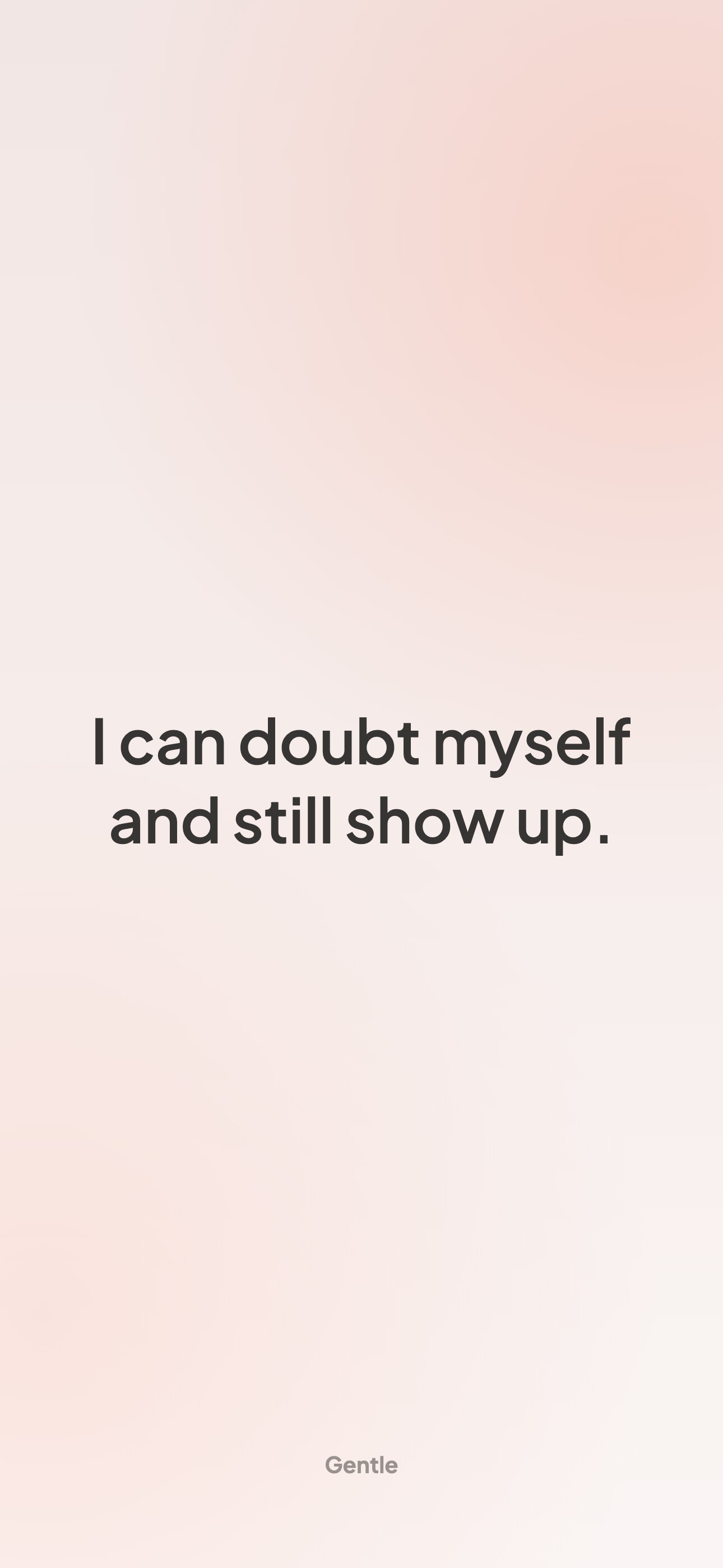
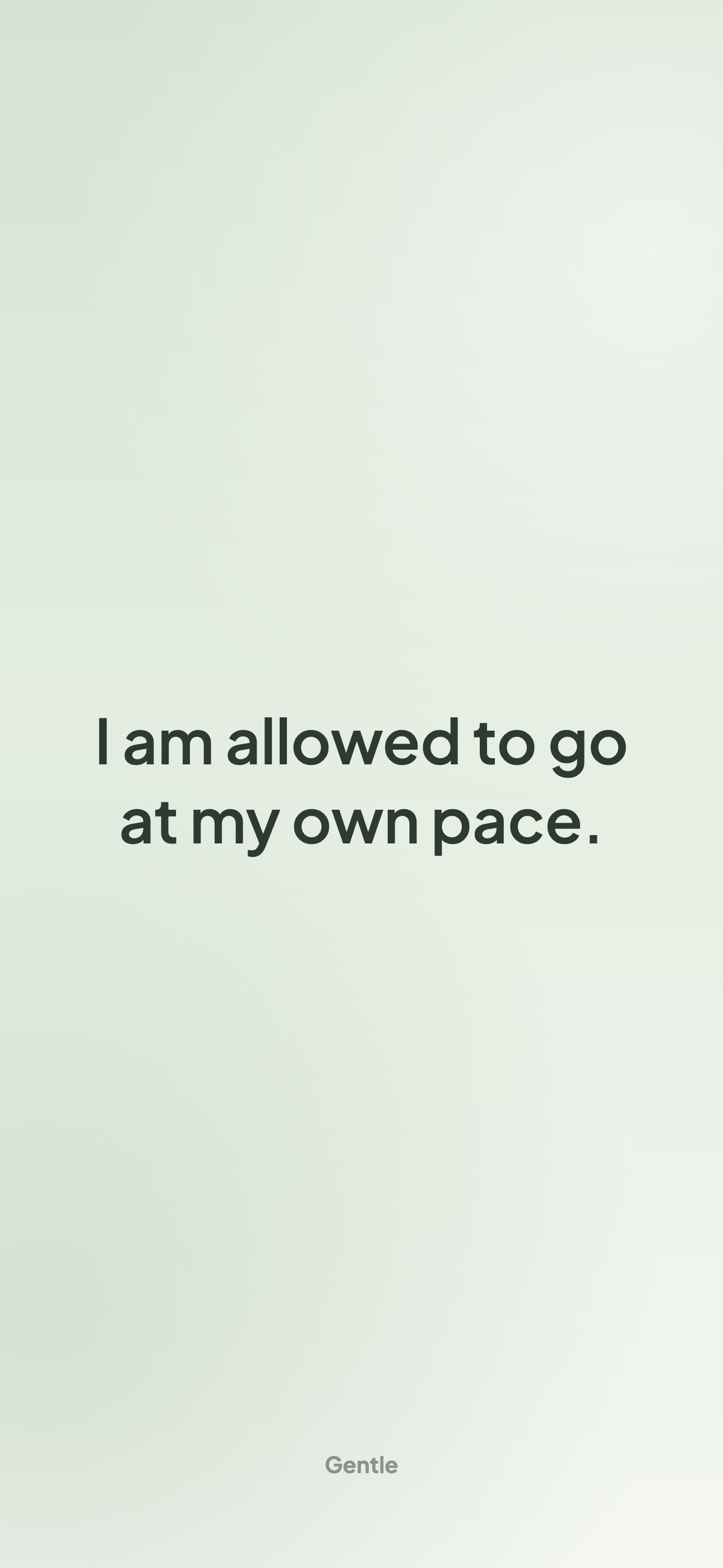
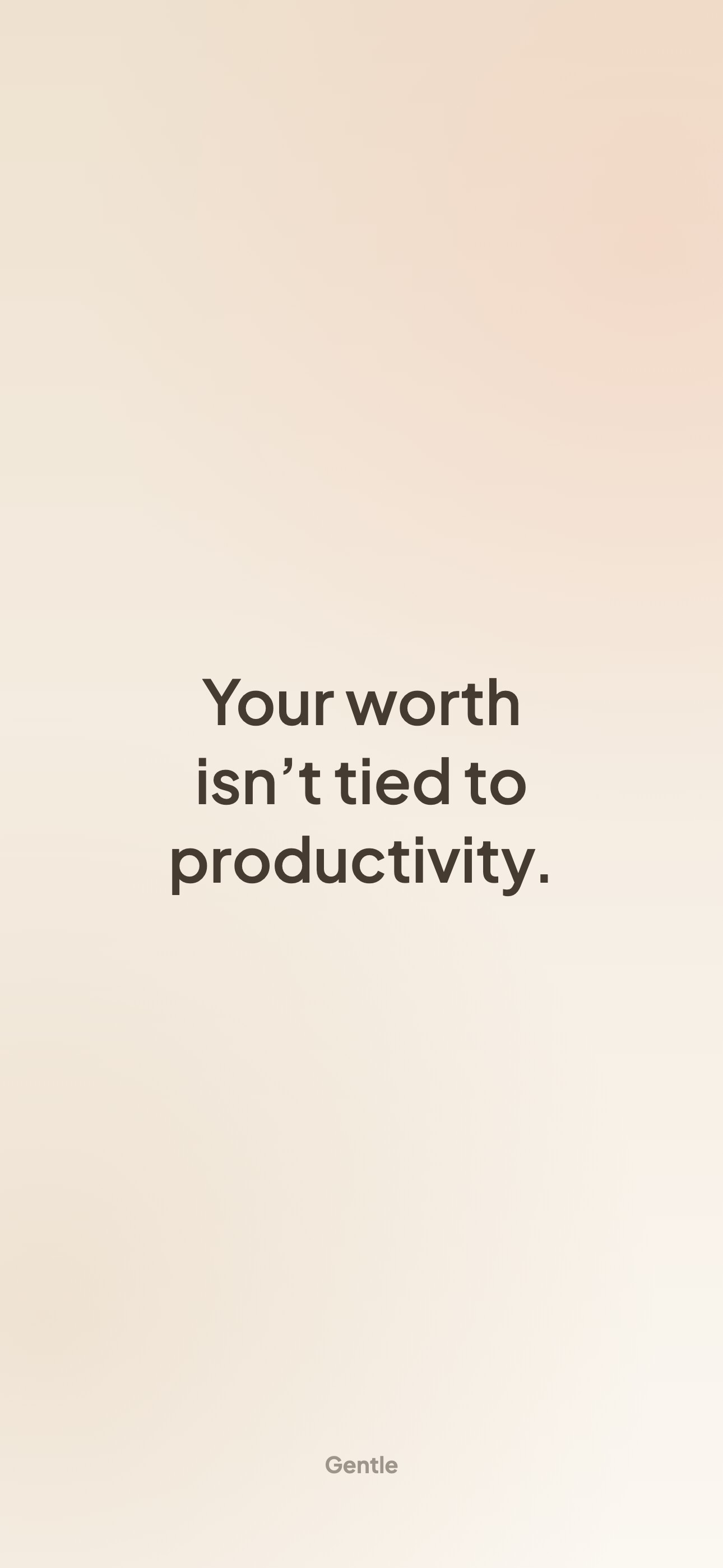
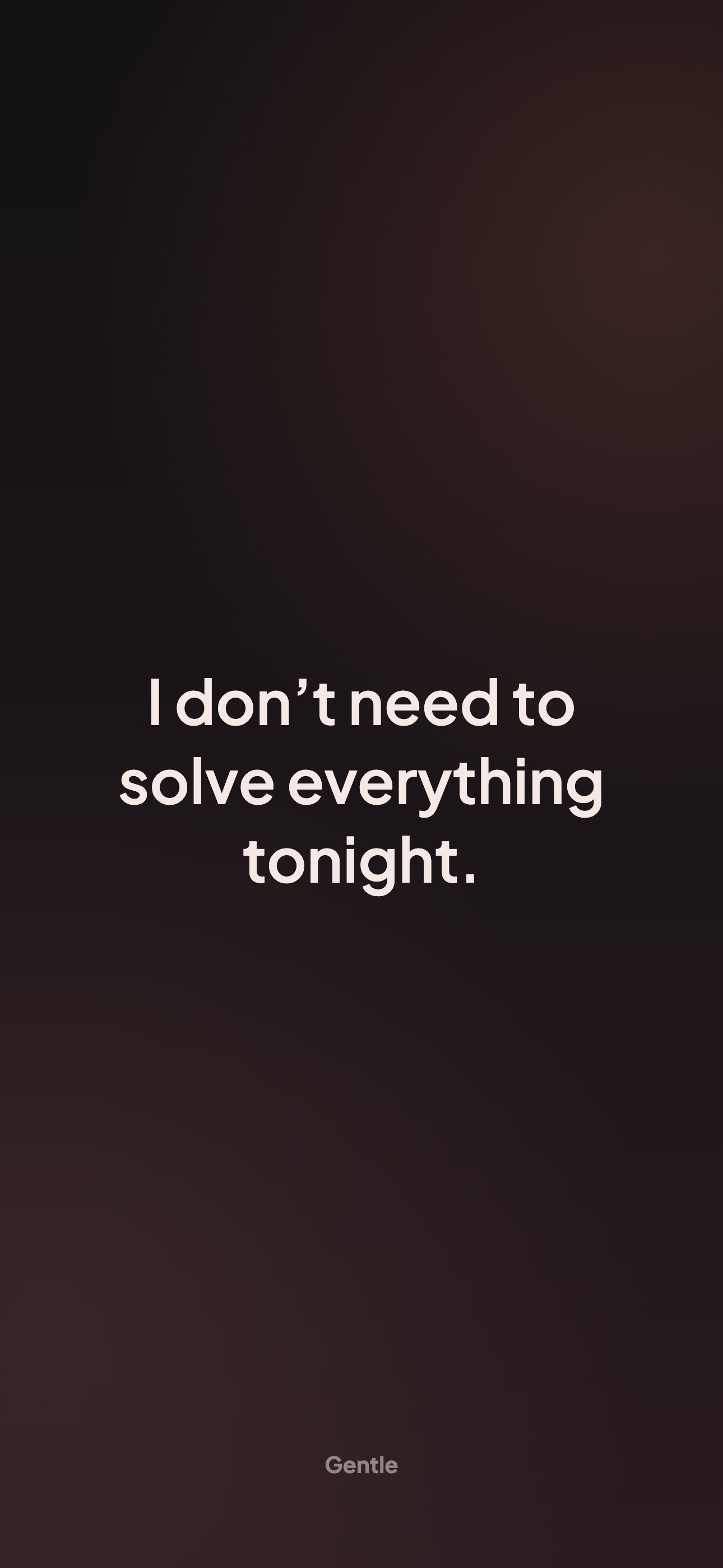
Prefer to just download one? These use lines from the Gentle app. Tap an image to open it full size, or tap Download.
Download
Download
Download
Download
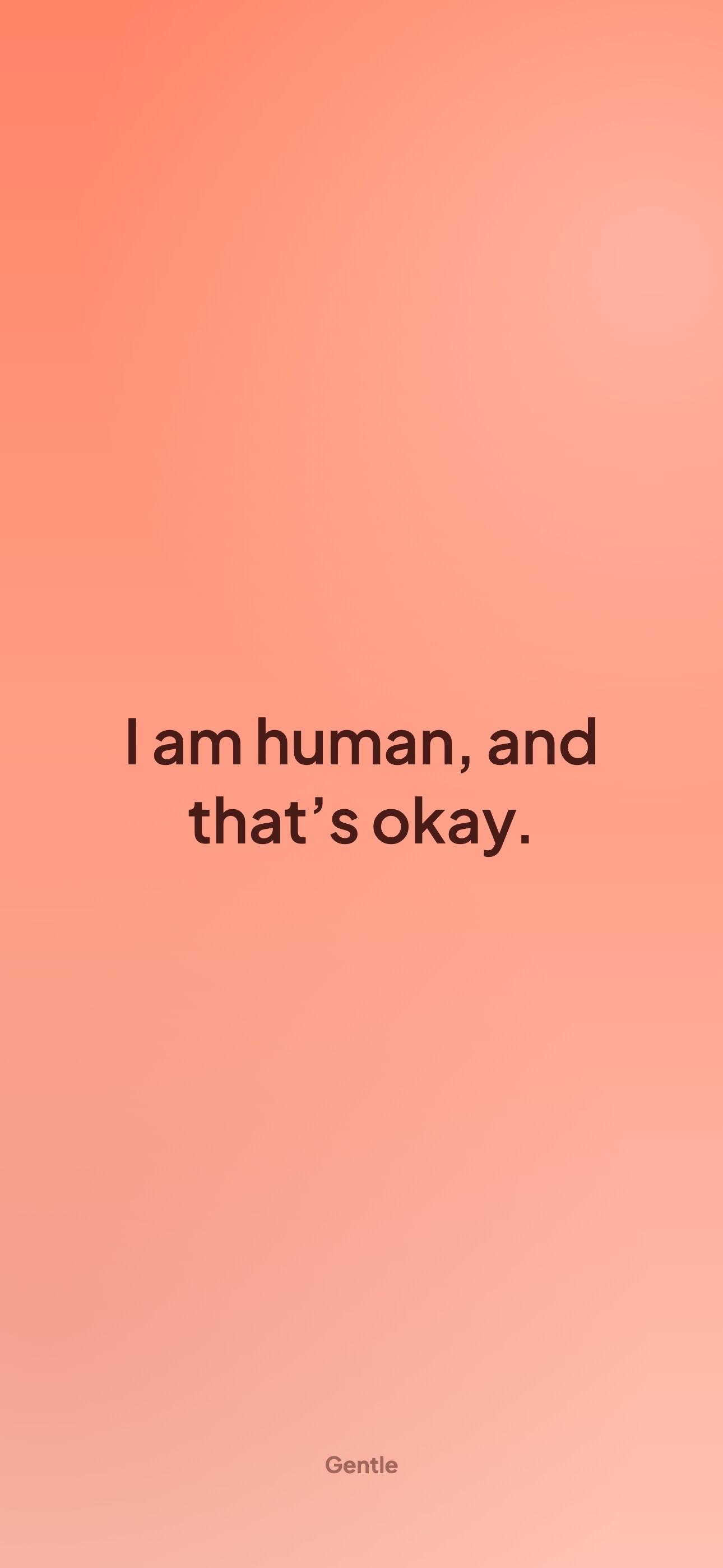
Download
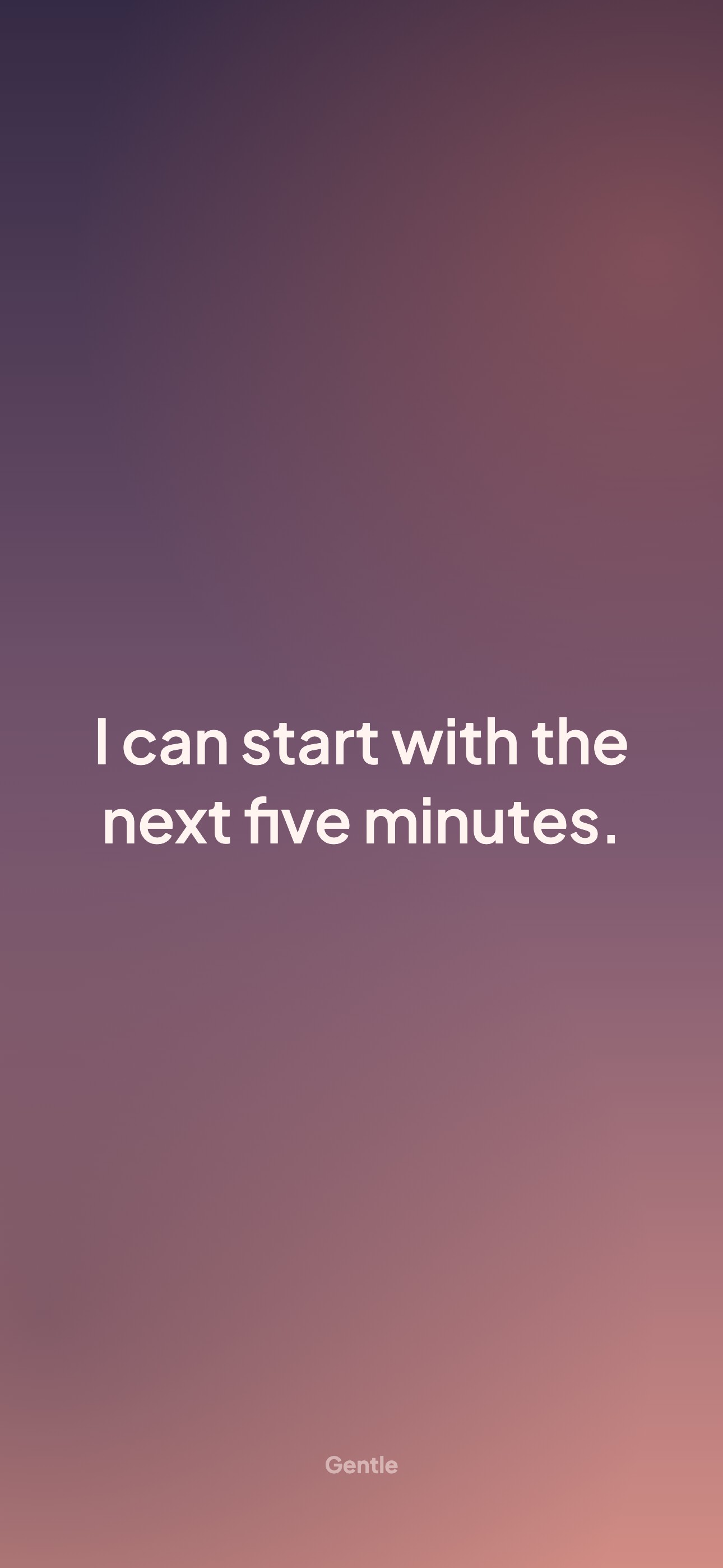
Download
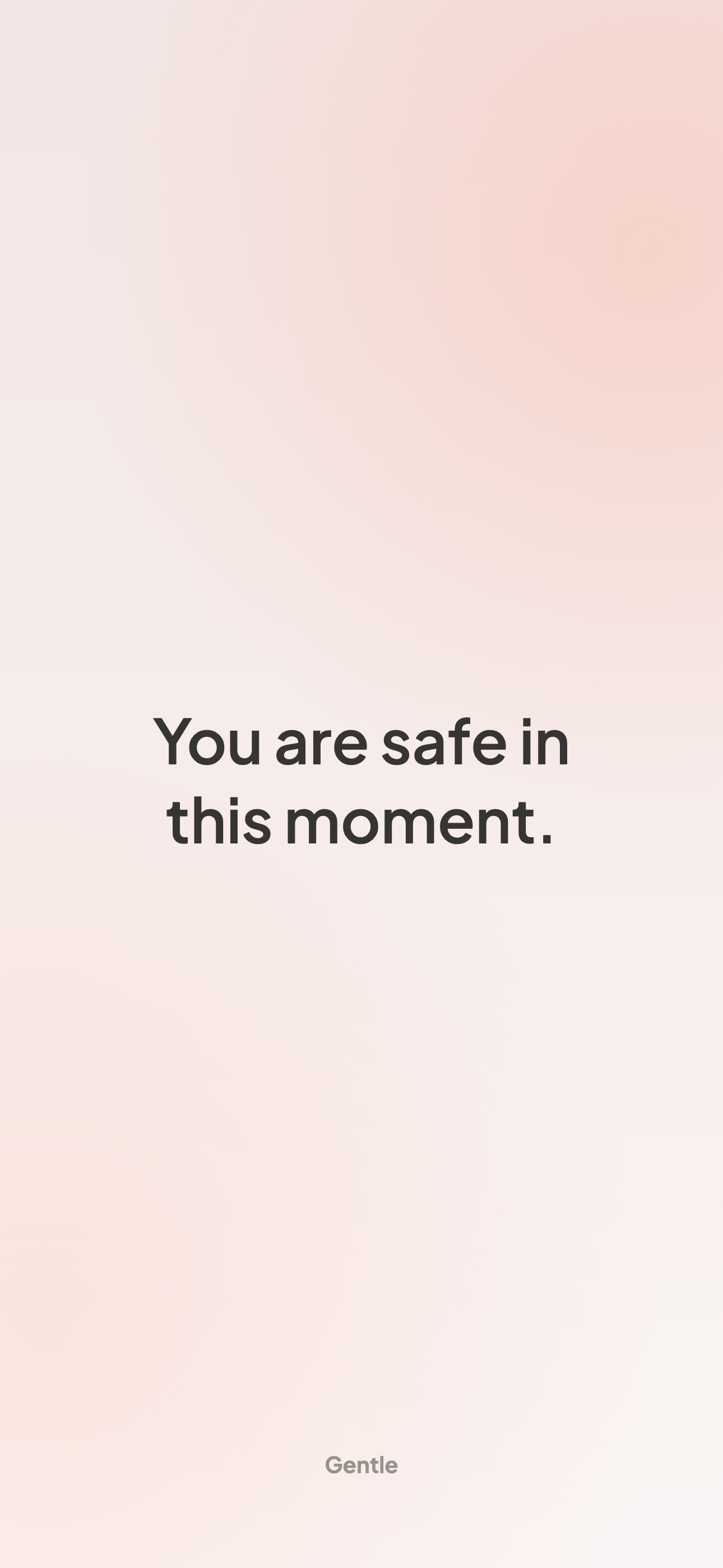
Download
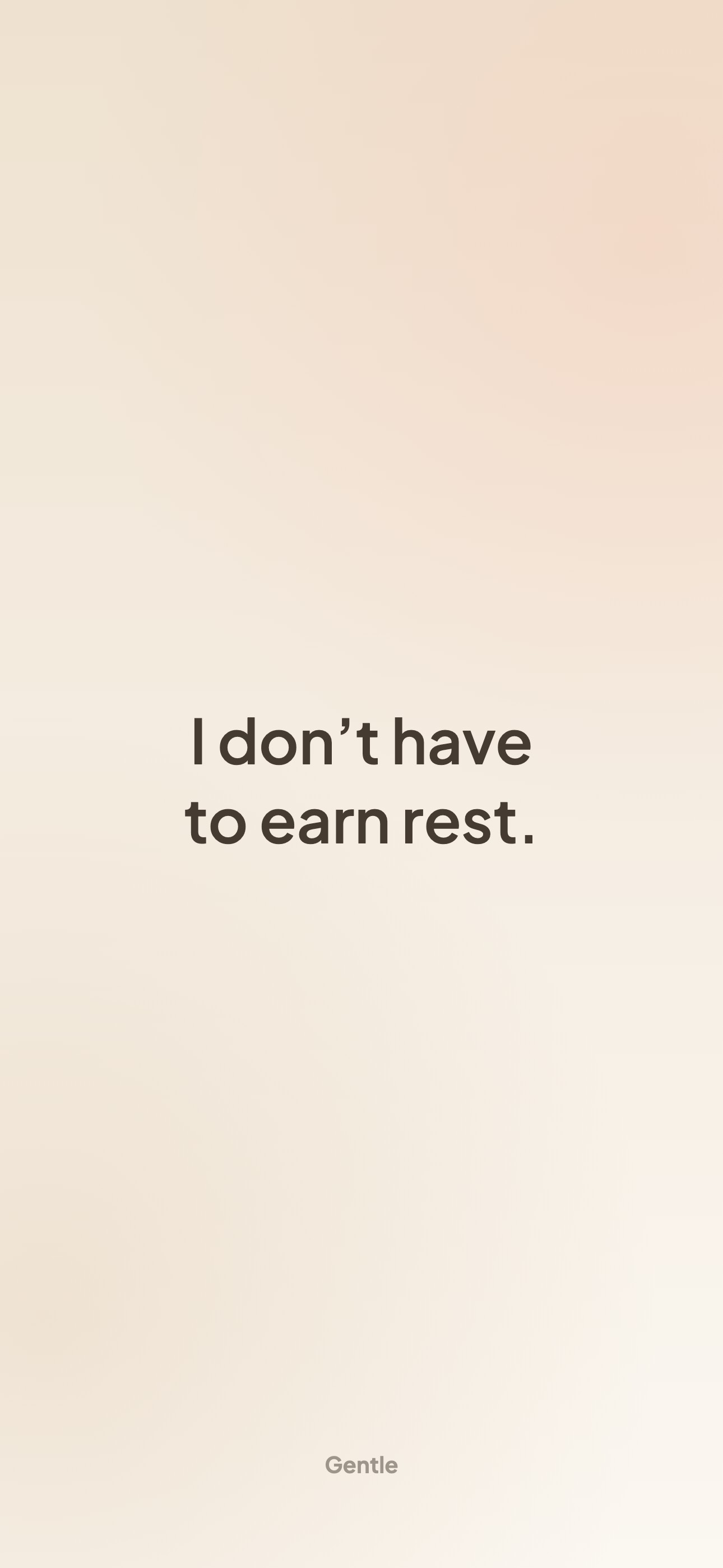
Download
How to set it as your Lock Screen
- Save the wallpaper to Photos. On iPhone, the Download button opens the share sheet; tap Save Image. If it went to the Files app instead, open it there, tap the share icon, then Save Image.
- Open Settings → Wallpaper → Add New Wallpaper, then tap Photos.
- Choose the image. It should fill the screen without any zooming; if the clock overlaps your words, go back and pick the Lower position.
- Tap Add, then choose Set as Wallpaper Pair (Lock Screen and Home Screen) or Customize Home Screen to keep your Home Screen as it is.
Apple's guide to changing your iPhone wallpaper shows each screen.
Make three or four, then use Photo Shuffle (Settings → Wallpaper → Add New Wallpaper → Photo Shuffle → Select Photos Manually) and set it to change Daily or On Lock. A line you haven't seen for a few days is one you actually read.
How to choose a line you'll believe
The best wallpaper line is one that feels at least half true today. In a well-known study, people with low self-esteem felt worse after repeating "I am a lovable person", because the gap between the words and how they felt was too wide (Wood et al., 2009). Lines that allow for the hard part, like "I can doubt myself and still show up", don't ask you to argue with yourself every time you look at your phone.
If you'd like more to choose from, our guide to affirmations for low self-esteem has realistic lines by topic and a simple way to make them more believable.
Wallpaper or widget?
A wallpaper is yours exactly as you made it, and it never needs an app. The catch is that after a week or two you stop seeing it. A Lock Screen widget fixes that by changing the line on its own. Our guide to affirmations on your iPhone Lock Screen covers both, step by step.
Many people use both: a calm wallpaper with one line they love, and Gentle's widget above the clock with a new one each day.
Free to use
You're welcome to use any wallpaper on this page, and any you make, as your own phone wallpaper or to send to a friend. Please don't sell them or pass them off as your own design.
Want a new line every day?
A wallpaper says the same thing until you change it. Gentle keeps a fresh, kind line on your Lock Screen instead, like these:
"You don't have to earn rest."
"This feeling is loud, but it isn't permanent."
Gentle is a free iPhone app that sends short, kind affirmations like these at the hours you choose and keeps one on your Lock Screen. No account needed; an optional Premium subscription unlocks all themes, topic choice and unlimited breathing.
Get Gentle on the App StoreFor iPhone with iOS 18 or later.
- Affirmations on your iPhone Lock Screen — Three ways to keep a kind word in view, with step-by-step iOS instructions.
- Gentle affirmations for hard days — Kind lines for bad days, mistakes and tired evenings, and how to write your own.
- Affirmations for low self-esteem — Why "I am confident" can backfire, and lines you can actually believe.
Frequently Asked Questions
Are these affirmation wallpapers free?
Yes. The maker and the ready-made wallpapers are free, with no sign-up. Wallpapers you make have no watermark; the ready-made ones carry a small Gentle mark at the bottom.
Will the wallpaper fit my iPhone?
Yes. It's made at full resolution in the tall shape of every iPhone with Face ID, so iOS fits it without stretching. On older iPhones with a Home button, iOS trims a little from the top and bottom; the words stay in the middle.
Are my words uploaded anywhere?
No. The wallpaper is drawn in your browser, on your own device. What you type is never sent to us.
Why are the words in the middle of the screen?
The clock and Lock Screen widgets sit at the top and notifications stack up from the bottom, so the middle is the part of the Lock Screen that stays clear.
Can I use these wallpapers on Android?
Yes. The image works as a wallpaper on any phone. It's tall, so most Android phones show it with little or no cropping.
How do I make my affirmation wallpaper change every day?
Make a few, then use Photo Shuffle in Settings → Wallpaper → Add New Wallpaper and set it to change daily. Or use an affirmation app widget, such as Gentle's, which changes the line for you.
Sources
- Apple Support. Change your iPhone wallpaper (including Photo Shuffle).
- Wood, J. V., Perunovic, W. Q. E., & Lee, J. W. (2009). Positive self-statements: Power for some, peril for others. Psychological Science, 20(7), 860–866.